
London Underground & beyond
Track every station you've ever visited
TubeTrip helps you record, explore and replay your London Underground journeys — station by station, line by line — with support designed to expand across metro systems worldwide.
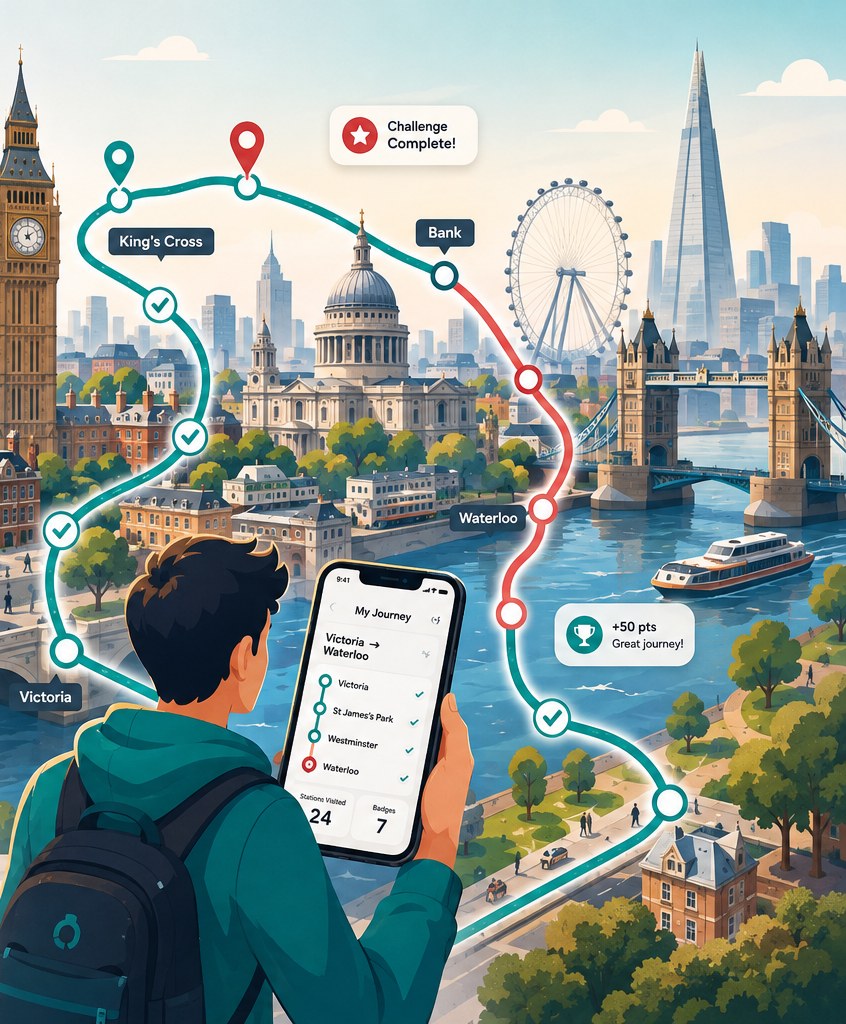
What is TubeTrip?
A travel log for metro riders: check in at stations, keep a record of where you have been, and turn everyday journeys into something worth collecting.
Verified check-ins
Confirm a station visit using the journey evidence you have to hand, such as your location and photos taken on the platform.
Plan and replay journeys
Map out a route before you travel, then look back over the journeys you have completed and the stations they connected.
Challenges and leaderboards
Take on station and line challenges, and see how your progress compares with other travellers.
Badges and progress
Collect badges and watch your coverage grow across the metro systems TubeTrip supports.
How it works
Step 1: Plan a route
Choose the stations and lines you want to cover, whether it is a single hop or a full-line run.
Step 2: Check in as you travel
Log each station as you reach it, adding location and photo evidence to verify the visit.
Step 3: Earn badges and climb leaderboards
Completed check-ins build your progress, unlock badges and move you up the leaderboards.
Why it's different
- Evidence, not guesswork
- Check-ins are backed by the journey evidence you provide, so your station log reflects trips you really made.
- Real transit data
- TubeTrip uses live or authoritative network data where it is available, so stations, lines and routes match the network you are travelling on.
- Built to travel
- Designed from the start to support multiple metro systems, beginning with the London Underground.
- More than a checklist
- Journey tracking, discovery, challenges and personal progress live together in one place.
Install as an app
TubeTrip is a progressive web app. Open it in your browser and add it to your home screen for a full-screen, app-like experience — no store download needed.
Safari on iPhone
- Open TubeTrip in Safari
- Tap the Share button
- Choose “Add to Home Screen”
Chrome on Android
- Open TubeTrip in Chrome
- Tap the menu button
- Choose “Add to Home screen” or “Install app”